Setup Tutorial
Follow these steps to get started with IgMatrix
Important Notice
IgMatrix setup tutorial is identical to TikMatrix. The only difference is their script logic, so you can directly refer to the TikMatrix tutorial documentation.
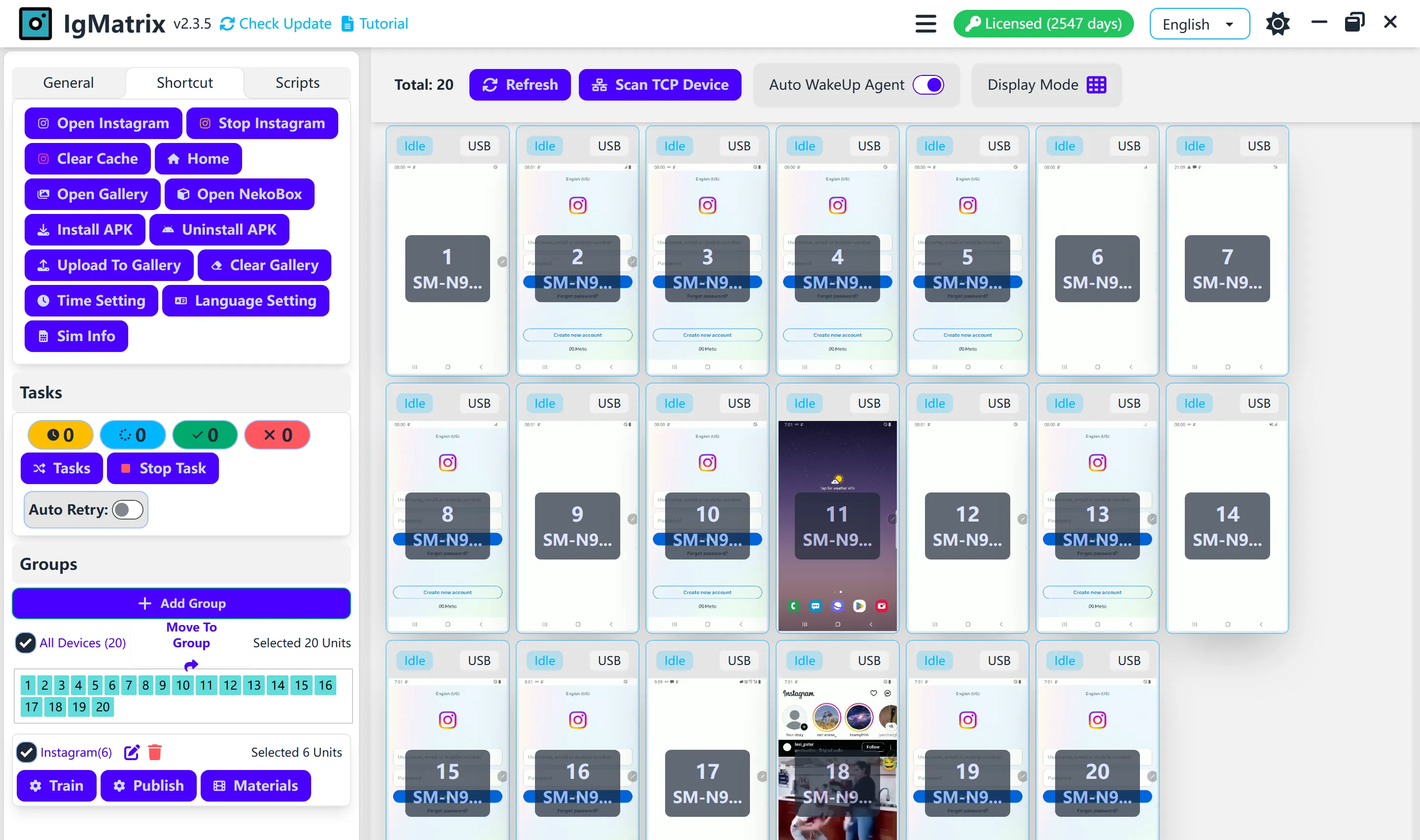
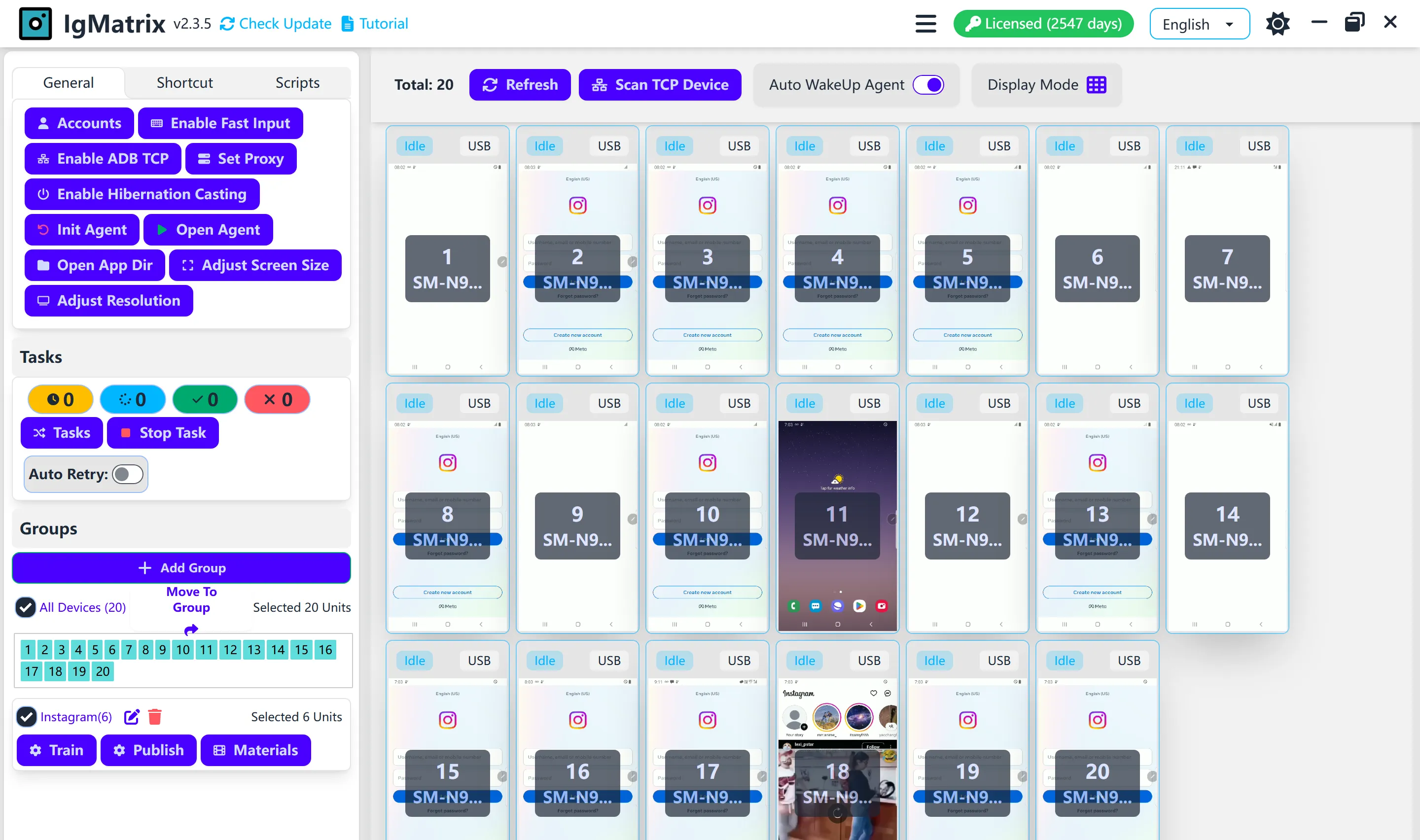
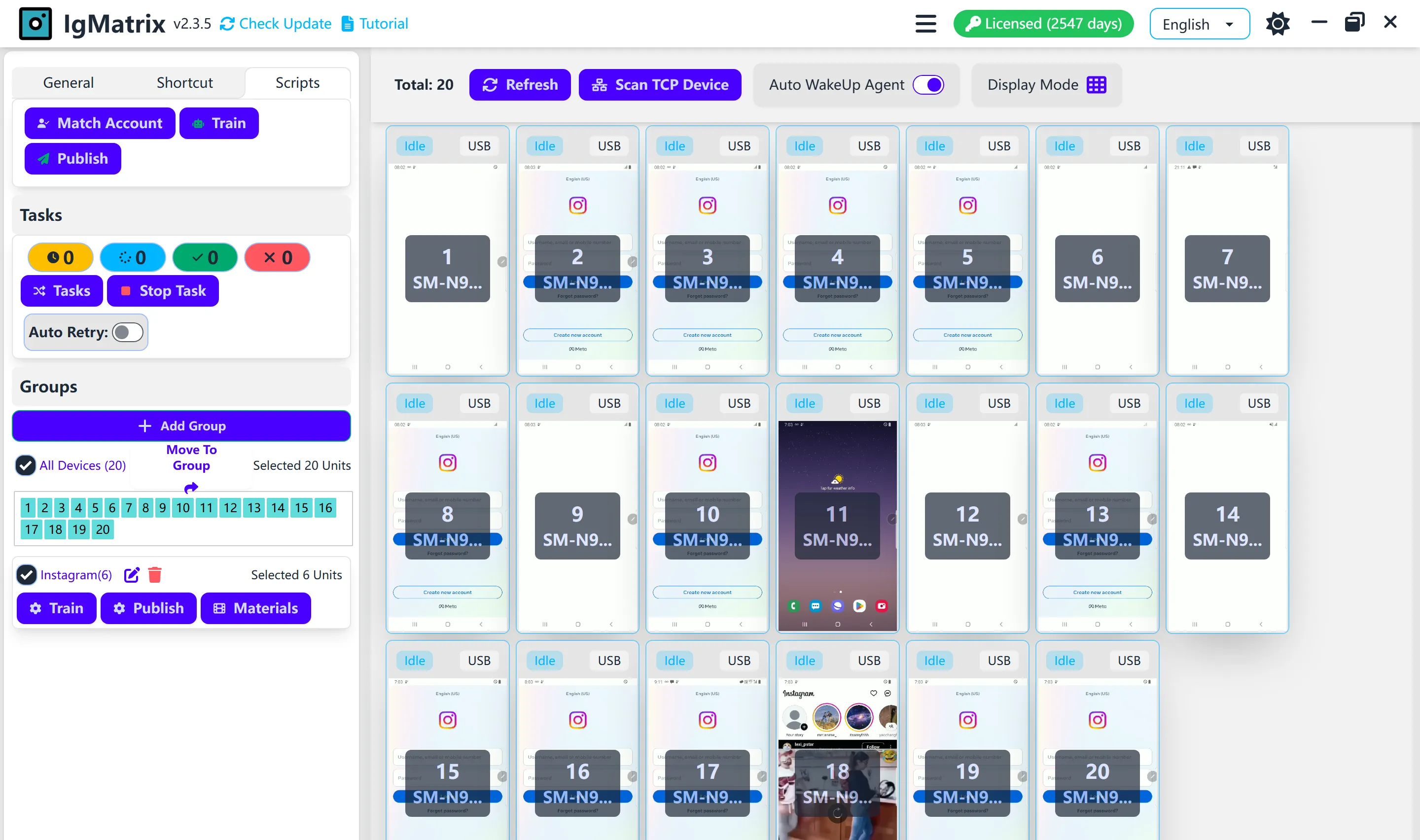
Please download IgMatrix to view the script list directly. Currently, not all TikMatrix scripts are 100% supported in IgMatrix. Please refer to the actual features in the software.
Quick Setup Guide
Download and Install
Download IgMatrix from our official website and follow the installation instructions.
Download IgMatrixFollow TikMatrix Tutorial
Since the setup process is identical, please refer to our comprehensive TikMatrix documentation for detailed instructions on device connection, account management, and script configuration.
View TikMatrix TutorialCheck Available Scripts
After installation, open IgMatrix to view the complete list of available Instagram automation scripts. The script selection may differ from TikMatrix.
Get Support
If you need help with IgMatrix-specific features or encounter any issues, our support team is ready to assist you.
Get SupportKey Differences from TikMatrix
Same Setup Process
- • Device connection
- • Account management
- • Basic configuration
- • User interface
Different Script Logic
- • Instagram-specific automation
- • Different script availability
- • Platform-optimized features
- • Custom Instagram workflows
Important Reminder
Always check the actual features available in your IgMatrix software, as the script functionality may vary from TikMatrix. The software interface will show you exactly which automation scripts are available for Instagram.
IgMatrix Features
Instagram automation on real Android phones — account operations, publishing, growth, scheduling and data in one desktop app.
Phone screen mirroring
Mirror 100+ phones onto one computer and drive any of them with mouse and keyboard.
Automatic login
Sign in to Instagram accounts in batches, two-factor codes included.
Multi-account switching
Keep many accounts on one device. Every task switches to the right one before it runs.
Clone app support
Run several cloned Instagram apps on one phone, one account per clone.
Account warmup
Search keywords, watch videos, like, follow, comment and favorite so accounts age naturally.
Reels and post publishing
Publish Reels, photos and carousels in bulk from a shared material library, then delete the ones that under-perform.
Follow back and welcome message
Follow new followers back automatically and greet them with a personalised message.
Engagement automation
View, like, save, comment, follow and unfollow across your whole account pool.
User scraping
Collect usernames from keyword searches, follower lists or following lists.
Super Marketing
One human-like browsing loop that visits, follows, likes, comments and messages, with AI-generated text.
Proxy and IP rotation
Give every device its own proxy or VPN profile, and rotate IP addresses on a schedule.
Minute-level scheduling
Reusable schedule templates with time slots, intervals, retries and per-slot parameters.
Data dashboard
Posts, videos watched, likes, follows, comments, favorites and warmup time, charted over time.
Local API and Python SDK
Drive the devices from your own code over a local REST API, with a documented Python SDK.
AI assistant
Describe the work in plain language. It plans the tasks and waits for your approval before queueing anything.
Why Choose IgMatrix?
IgMatrix brings the same powerful automation capabilities of TikMatrix to Instagram, helping you scale your Instagram marketing efforts efficiently and safely.
- Same reliable technology as TikMatrix
- Instagram-optimized automation scripts
- Interface available in 21 languages
- Professional phone farm management
- No API calls and no code injection — every action is a real touch on a real phone
- Everything runs locally over ADB, so your accounts and data never leave your machine
Start automating your Instagram marketing today with IgMatrix and experience the same professional-grade tools that thousands of marketers trust.
Frequently Asked Questions
Find answers to common questions about IgMatrix
Still have questions?
Our support team is here to help you with any IgMatrix-related questions or issues.
Contact Support