Account Warmup
Platforms: TikTok, Instagram
The Account Warmup script is used to warm up accounts by browsing videos, watching content, following, liking, commenting, and favoriting.
Steps
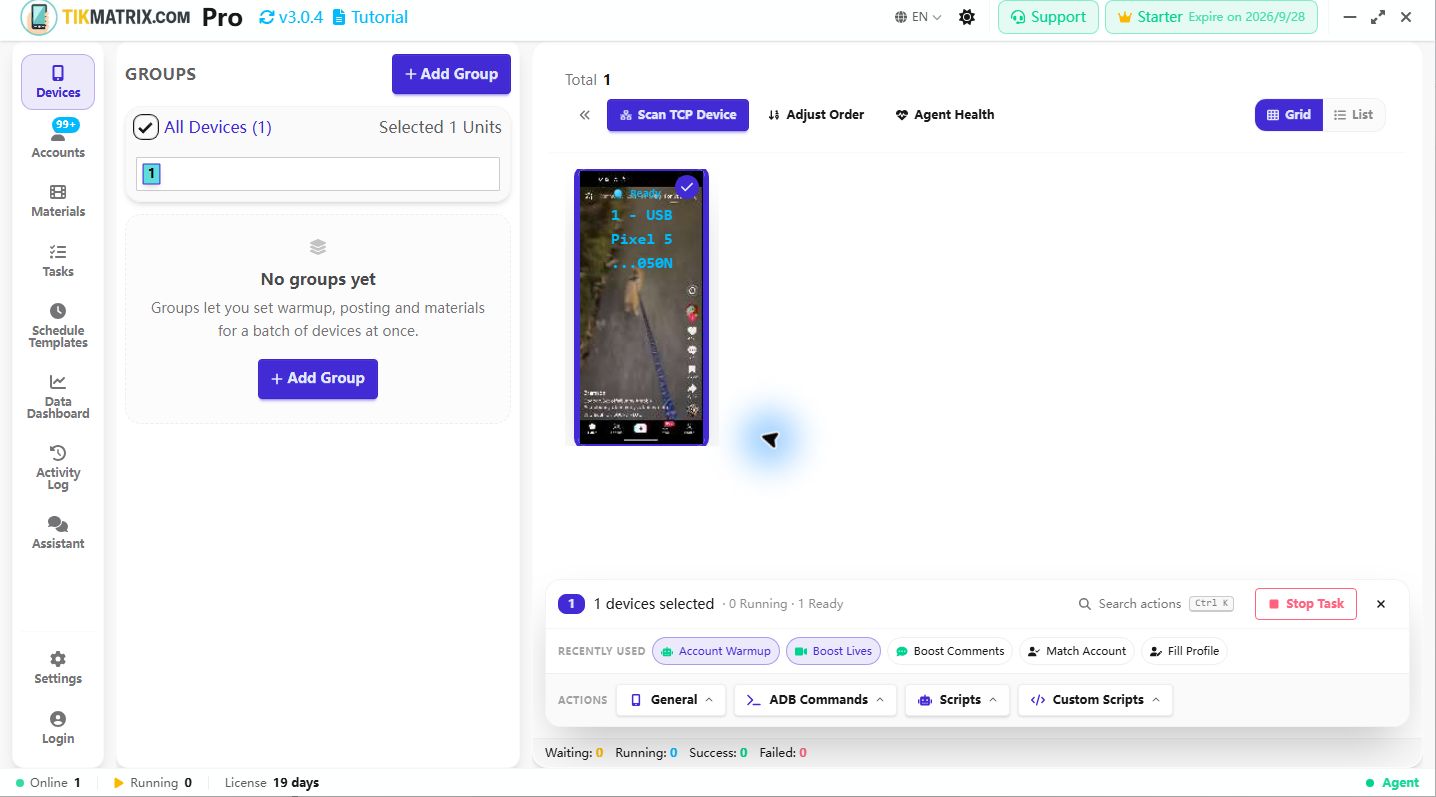
- Select the device to run the script.
- Click
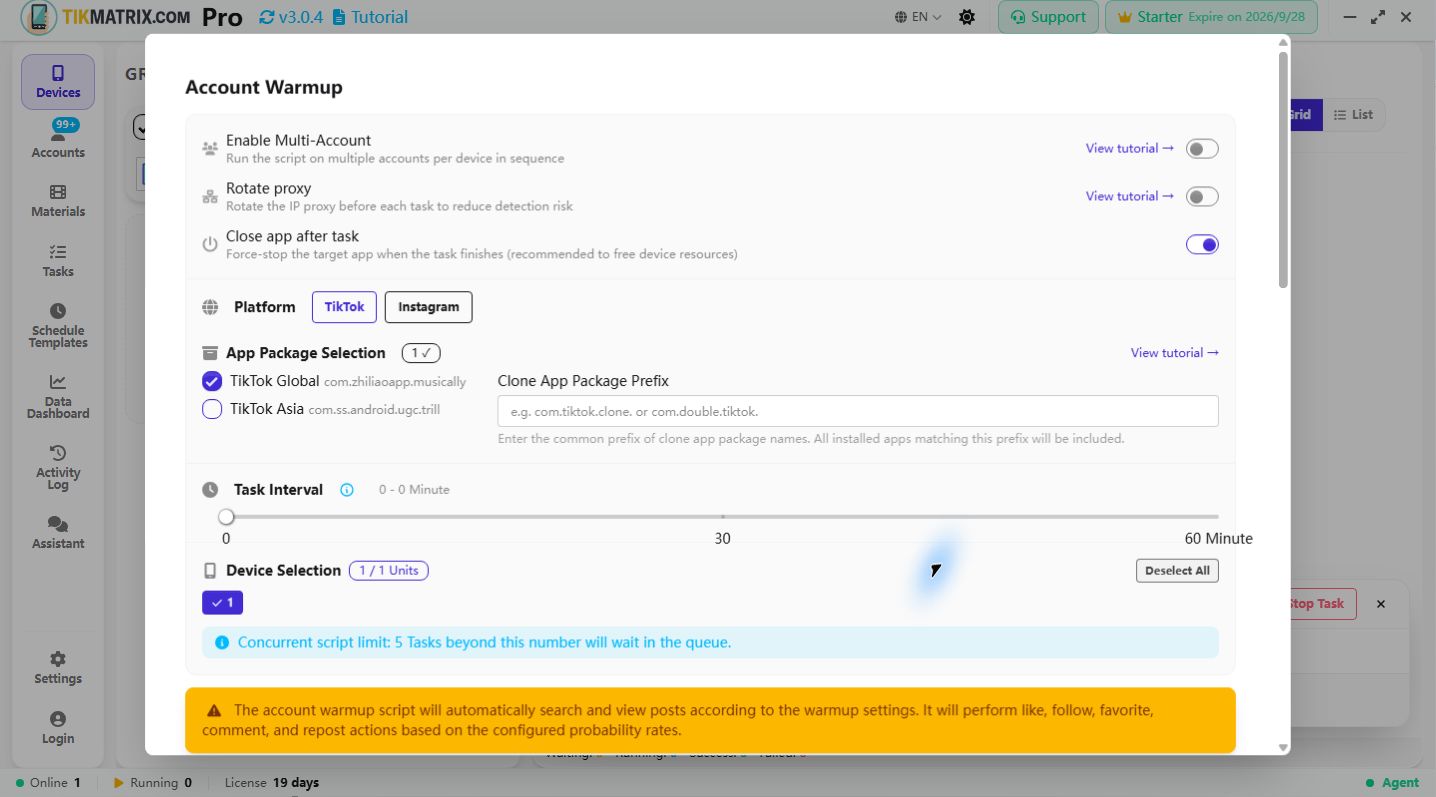
Script>Account Warmup. - Configure the task settings:
- View Duration: How long to watch each video (min ~ max range).
- Task Duration: Total duration of the warmup task (min ~ max range, the script randomly picks a value within the range each session).
- Browse Mode: Choose where to watch videos:
- For You / Reels Feed: Browse the recommended feed (called "For You" on TikTok, "Reels" on Instagram). Default.
- Following Feed: Browse videos from accounts you follow. On TikTok this switches to the Following tab; on Instagram it opens the Reels title dropdown and selects "Following".
- Search Videos: Search for videos by keyword (requires Search Keywords).
- Search Keywords: Topics to search for videos (only required when Browse Mode is Search Videos).
- Comment Contents: Use pre-made comments or ChatGPT-generated comments from post captions.
- Comment Method: Choose how to post comments:
- Post Comment: Directly post a comment on the video.
- Reply to First Comment: Reply to the first comment on the video.
- Interact Probability: Probability of following, liking, commenting, and favoriting.
- Click
Start Scriptto begin.
Note
- The warmup script may not always succeed; retry failed tasks if needed.
- Supports scheduling, so you can set the warmup task to run at a specific time.
- Supports skipping ads, live streams, and already liked videos.
- On Instagram, the recommended feed is called Reels (equivalent to TikTok's For You). The UI automatically shows the correct label per platform.
- Following Feed on Instagram is accessed via the Reels title dropdown menu (not a tab), so the script navigates to the Reels screen first and then selects "Following" from the dropdown.
Screenshot