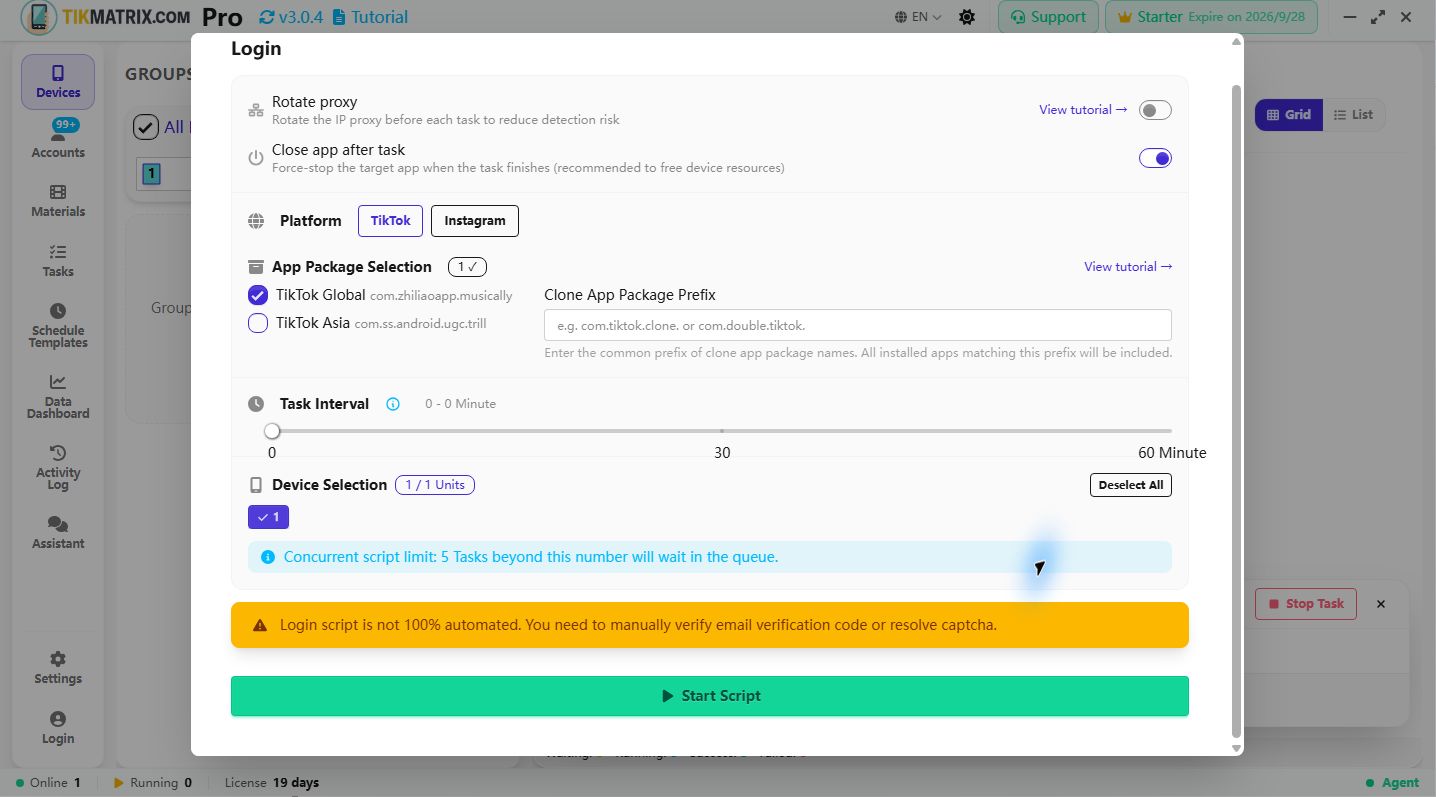
Login
Platforms: TikTok, Instagram
The Login script is used to log in to social media accounts.
Steps
- Make sure the account is added to the account list (click
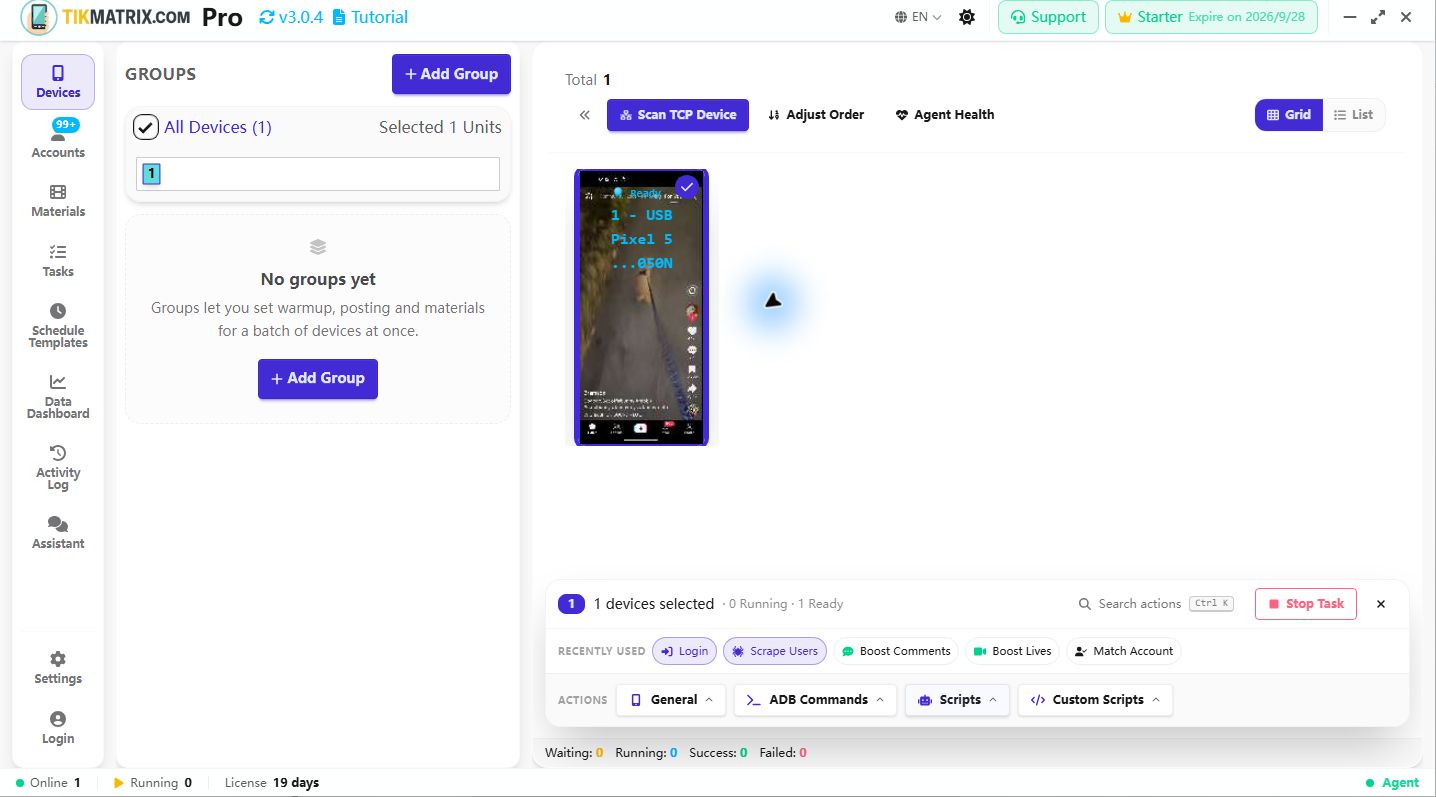
Accountsto add accounts), and select the device index you want to use for this account. - Single-select or multi-select the device(s) to run the login script.
- Click
Script>Login. - Click
Start Scriptto begin.
Login Priority
The system uses the following login priority:
- Email + Password: If an email is configured for the account, it will be used for login first.
- Username + Password: If no email is configured, the username will be used for login.
2FA Login Requirement
For TikTok and Instagram, the login script currently supports only authenticator-app 2FA login:
Password Format for 2FA
To use 2FA, format your password as follows:
your_password:your_2fa_secret_key
Example:
mypassword123:JBSWY3DPEHPK3PXP
How 2FA Works
- Password Parsing: The system splits the password at the last colon (
:) when the text after it looks like a Base32 secret. A password that merely contains a colon is left alone. - Token Generation: When 2FA is required, the system uses your secret key to request a TOTP code from our 2FA service. The code is requested only once the verification screen is open, so it cannot expire while it is being typed.
- Method Switching (TikTok): TikTok often defaults to an SMS or email code. The script opens "Try another way" and switches the verification method to the authenticator app, which is the only method it can answer on its own.
- Automatic Input: The generated 6-digit code is automatically entered into the app's 2FA field. If the code is rejected, the script waits for the next 30-second window and tries once more.
- Seamless Login: The entire 2FA process happens automatically without manual intervention.
2FA Secret Key
The 2FA secret key is the Base32-encoded string you get when setting up 2FA in TikTok or Instagram, typically 16 or 32 characters long. It's the same key used by authenticator apps like Google Authenticator or Authy. You can paste it in the spaced, lowercase form the app displays (jbsw y3dp ehpk 3pxp); it is normalized automatically.
Enable the authenticator app as a 2FA method in the account's security settings before using it here — the script cannot answer an SMS or email code.
Where to Get 2FA-Enabled Accounts
We recommend purchasing accounts with 2FA enabled from: AccsMarket
Note
- The login script currently supports only authenticator-app 2FA login for TikTok and Instagram. Use an account with 2FA enabled and store its secret key in the password to achieve 100% automated login.
- We recommend purchasing accounts with 2FA enabled. The script cannot process SMS or email verification codes.
- We cannot bypass TikTok-specific login challenges (such as image CAPTCHAs or human verification) or resolve certain error messages like "too many login attempts".
- If Instagram shows an account suspension or appeal page after login, the script now stops immediately and marks the task as failed to avoid continuing with a restricted account.
Screenshot